
SaaS Configurator / Saas Mode
Webhook: New SaaS Plan Created
Modified on: Wed, 12 Nov, 2025 at 9:56 AM
Receive real-time notifications whenever a new SaaS plan is created in your OmniReach account. This webhook automatically delivers all the plan’s configuration details—features, pricing tiers, and add-ons—allowing you to streamline billing, analytics, and custom integrations without polling the API.
TABLE OF CONTENTS
- What is the New SaaS Plan Created Webhook?
- Key Benefits of Webhook: New SaaS Plan Created
- Payload Example
- Security Requirements
- Error Handling & Versioning
- Developer Resources
- Use Cases
- Frequently Asked Questions
What is the New SaaS Plan Created Webhook?
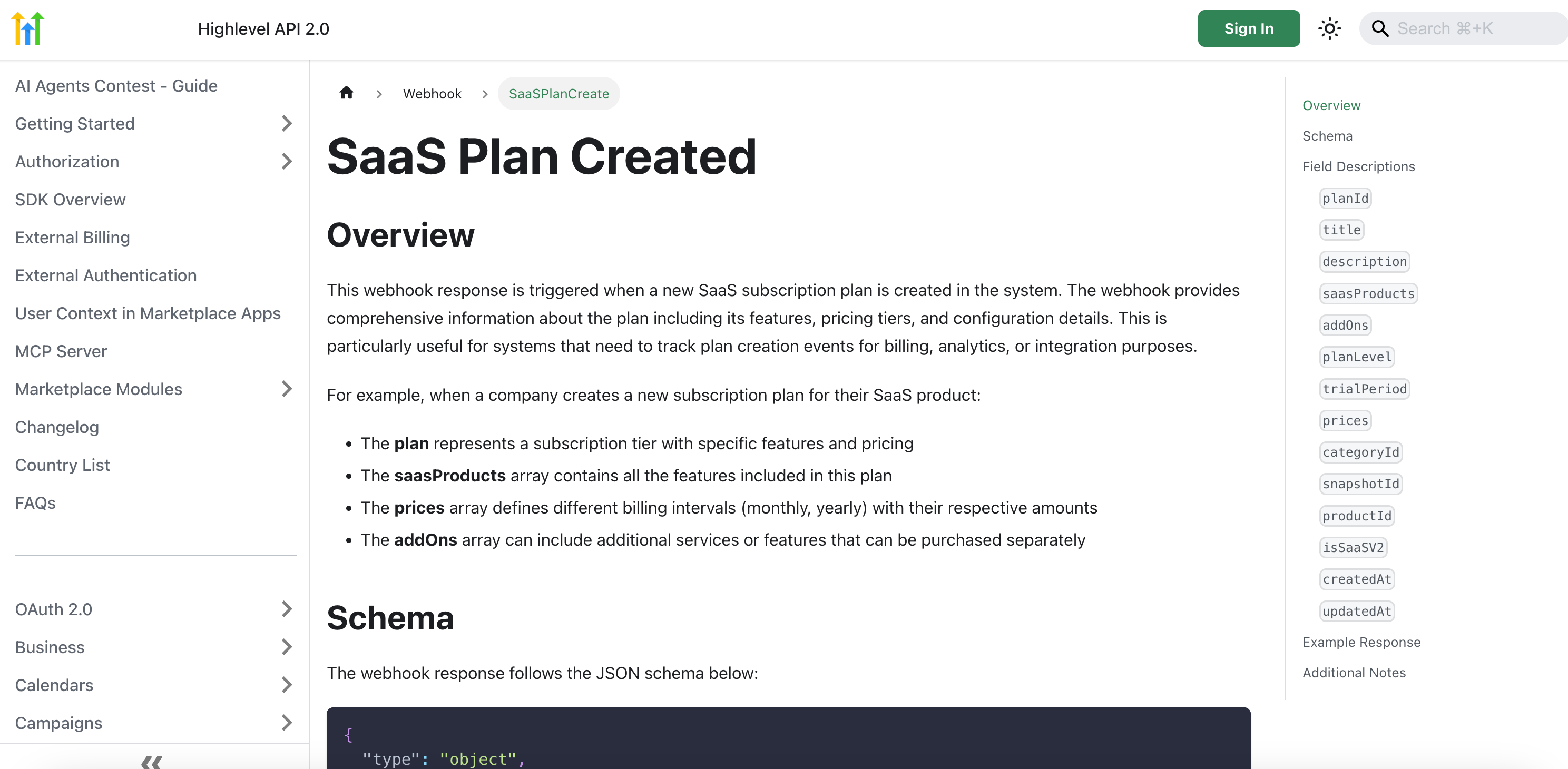
New SaaS Plan Created is an automated event trigger that fires as soon as a new SaaS plan is added to your OmniReach account. It returns a payload identical to the GET /plans endpoint, delivering detailed information including plan configuration, metadata, bundled features from the saasProducts array, pricing options from the prices array, and any optional add-ons from the addOns array. This feature is ideal for ensuring your billing systems, analytics tools, and third-party integrations remain up to date. For further technical details, please refer to the Developer Resources.
Whenever a new SaaS plan is added via the platform, this webhook triggers automatically. It returns the same structure as the GET /plans endpoint, giving you full visibility into:
- Plan configuration and metadata
- Included features via the saasProducts array
- Pricing details (e.g., monthly, yearly options) via the prices array
- Optional add-ons are included in the add-ons array
ENDPOINT: https://services.leadconnectorhq.com/saas/agency-plans/:companyId
Key Benefits of Webhook: New SaaS Plan Created
This webhook simplifies your operations by delivering plan details automatically as soon as they’re created.
Automated Billing Sync: Keeps your billing platform current with new plan offerings.
Real-Time Analytics: Enables immediate tracking of plan creation trends without manual data pulls.
Seamless Integrations: Powers custom workflows and third-party tools with up-to-the-second plan configurations.
Reduced API Load: Eliminates frequent polling of the GET /plans endpoint, improving performance.
Payload Example
Understanding the webhook structure helps you parse and process incoming data without guesswork.
POST /webhook/saas/agency-plans/:companyId { "id": "plan_12345", "name": "Professional Suite", "saasProducts": [ { "id": "prod_abc", "name": "CRM", "enabled": true }, { "id": "prod_def", "name": "Marketing Automation", "enabled": true } ], "prices": [ { "interval": "monthly", "amount": 49.99 }, { "interval": "yearly", "amount": 499.99 } ], "addOns": [ { "id": "addon_001", "name": "Extra Users", "price": 10 } ], "metadata": { "createdBy": "user_789", "createdAt": "2025-08-07T12:34:56Z" } }Above: A sample payload showing plan identifiers, feature toggles, pricing tiers, and optional add-ons.
Security Requirements
Protect your endpoint by validating each webhook request.
OmniReach signs webhook payloads with an HMAC SHA256 signature included in the X-OmniReach-Signature header. By verifying this signature against your secret key, you can confirm the authenticity of each notification and safeguard against tampering.
Link: Webhook Security Best Practices
Error Handling & Versioning
Ensure robust processing by accounting for failures and future changes.
Error Codes: Respond with HTTP 2xx for success. For non-2xx responses, OmniReach retries up to three times with exponential backoff.
Rate Limits: Webhook events are rate-limited to 100 requests per minute per company.
Versioning: The payload follows version v1. Future versions will increment the endpoint path (e.g., /v2/agency-plans). Always check the schemaVersion field to adapt to new formats.
Developer Resources
Find complementary guides and API references to expand your integration capabilities.
Use Cases
- Billing integrations that need to reflect the latest available plans
- Custom analytics pipelines that track SaaS product offerings over time
- Automations or third-party syncs that require immediate updates on plan changes
Frequently Asked Questions
Q: How do I retrieve past plan creation events?
Use the GET /plans endpoint to list historical plans; webhooks only deliver new events.
Q: What happens if my endpoint returns HTTP 500?
OmniReach retries delivery up to three times with exponential backoff. Ensure your endpoint handles idempotency.
Q: Can I filter specific plan types from the webhook?
No, this webhook fires for all plan creations. Implement filtering logic in your receiver based on metadata or plan properties.
Q: Will I receive updates if a plan is modified?
No. For plan updates, subscribe to the separate Webhook: SaaS Plan Updated event.
Q: How should I handle schema changes?
Check the schemaVersion field in each payload and adjust parsing logic for new versions.
Q: How do I verify that the webhook is working correctly?
After setup, create a new SaaS plan to confirm that the webhook triggers and returns the expected data payload.