
Agency View / Agency Dashboard
Agency Dashboard: Summary Tab
Modified on: Mon, 2 Feb, 2026 at 4:10 PM
Learn how the Agency Dashboard Summary tab calculates Revenue and MRR using only OmniReach-backed sources and how that affects the Summary tab’s KPI cards and charts.
The Agency Dashboard Summary tab shows Revenue and MRR using refined calculations that include only OmniReach-backed revenue sources. This improves accuracy and consistency across Summary metrics.
Navigate to OmniReach > Agency > Agency Dashboard. The Summary tab includes Revenue and MRR from these sources:
- SaaS
- Reselling
- Rebilling
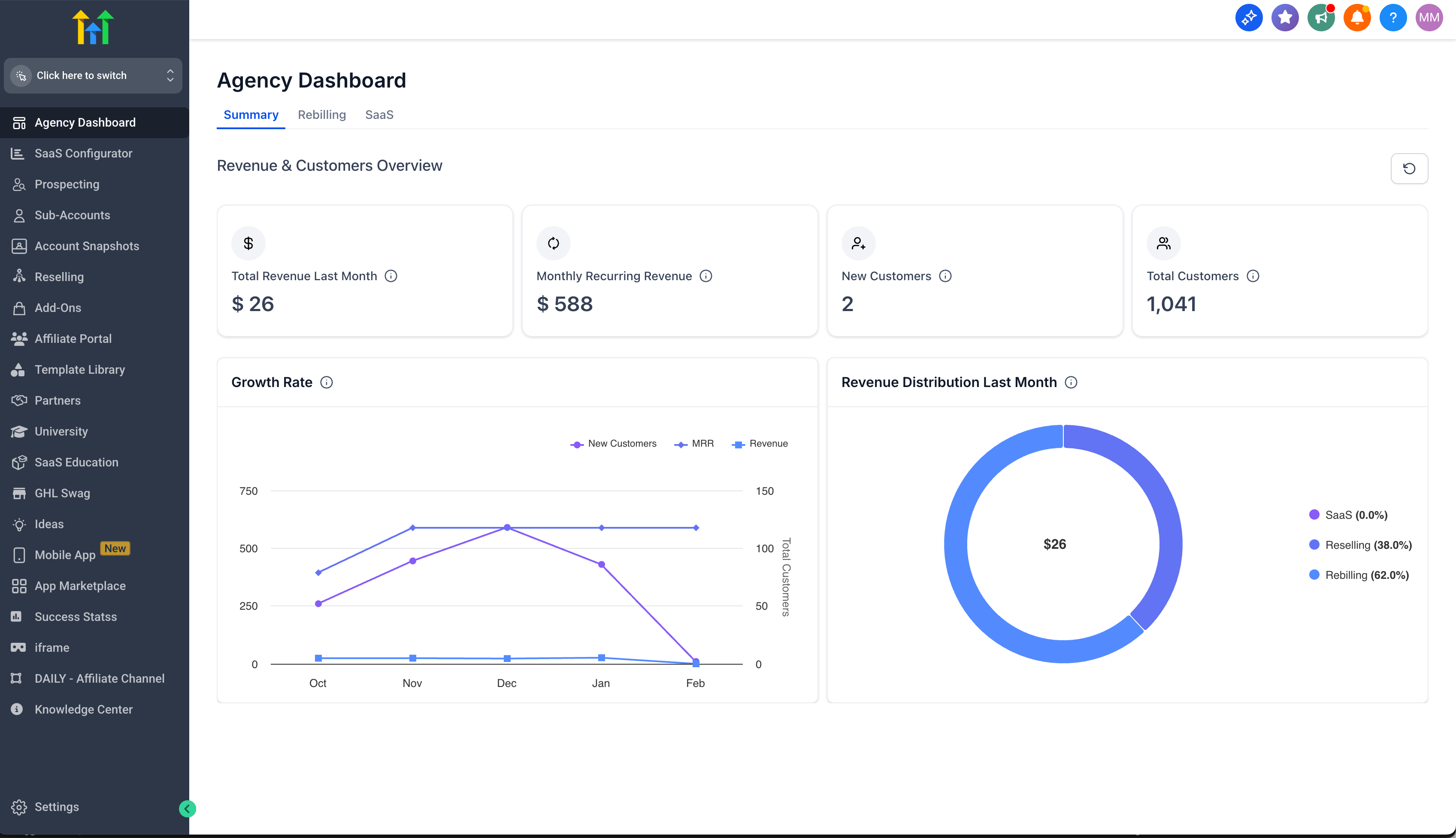
KPI cards
These cards now reflect only qualifying OmniReach-backed revenue:
- Total Revenue (Last Month)
- Monthly Recurring Revenue (MRR)
- New Customers
- Total Customers
Growth Rate chart
The Growth Rate chart aligns with the updated Revenue and MRR calculations.
Revenue Distribution (Last Month)
The Revenue Distribution (Last Month) chart breaks down last month’s revenue by:
- SaaS
- Reselling
- Rebilling
Frequently Asked Questions
Q Why do my Revenue or MRR numbers look different than before?
A The Summary tab now includes only OmniReach-backed sources (SaaS, Reselling, Rebilling). This removes external noise and improves consistency across Summary metrics.