AI Employee / Conversation AI - Response Modes

Conversations AI - Suggestive Mode

Modified on: Wed, 20 May, 2026 at 5:42 AM
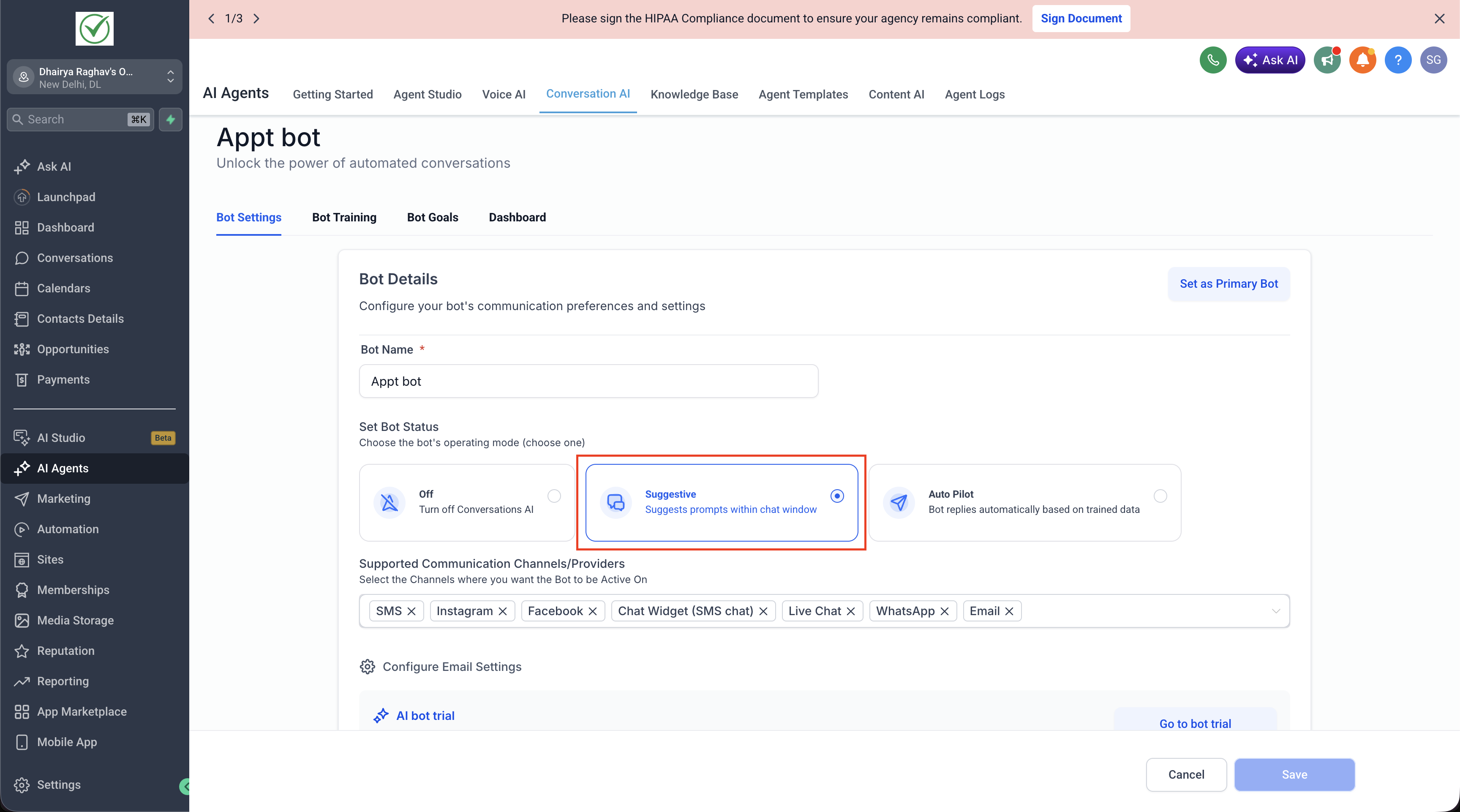
Suggestive Mode

Suggestive mode is one of the three operating modes for a Conversation AI bot: off, suggestive, and auto-pilot.


How it works

When a bot is set to suggestive mode, it drafts reply messages for incoming conversations but does not send them automatically. A human agent reviews each draft, edits it if needed, and manually sends it.


When to use it

  • You want AI assistance without fully automated responses
  • A human needs to approve messages before they reach the customer
  • You're testing a new bot's output before going fully automated


How to enable it


From the UI

Go to:
AI Agents → Conversation AI → Select your bot → Set Mode to Suggestive


From the Public API

Pass mode as suggestive in the create or update employee API request.

Example:

{
"mode": "suggestive"
}


From Ask AI

Simply say:

“Create a Conversation AI agent in suggestive mode”


Notes

  • This is the default mode when no mode signal is detected during onboarding — it's the safest starting point
  • To switch to fully automated responses, update the bot’s mode to auto-pilot
For hands-on help, email info@omnireach.co or chat with us directly!
