
AI Employee / Voice AI
LU25 Voice AI Chat Widget reCAPTCHA Protection
Modified on: Tue, 14 Oct, 2025 at 1:21 PM
The reCAPTCHA is a security enhancement designed to defend your OmniReach Voice AI interactions from misuse. This ensures that only genuine visitors can access the widget, promoting a secure and reliable user experience.
TABLE OF CONTENTS
What is reCAPTCHA Protection in Voice AI Chat Widget?
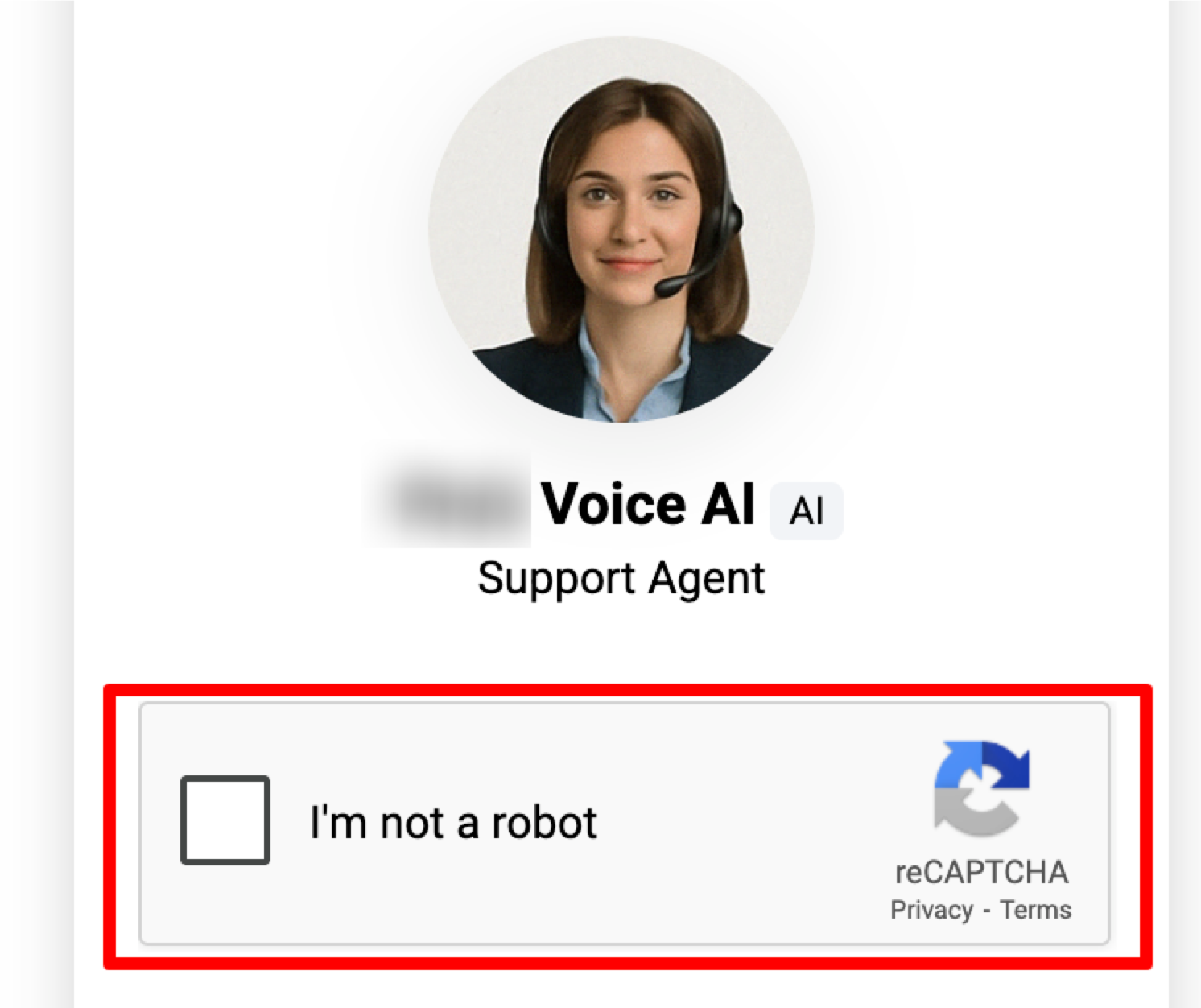
reCAPTCHA Protection in Voice AI Chat Widget is a security enhancement integrated into OmniReach’s Voice AI Chat Widget calls. By automatically deploying a reCAPTCHA challenge when a visitor exhibits rapid connect/disconnect behavior, this feature deters automated bots and protects system resources, ensuring that genuine interactions proceed without disruption.
Voice AI Chat Widget reCAPTCHA Trigger Condition
- A visitor initiates a Voice AI Chat Widget call.
- The same visitor rapidly connects and disconnects 10 times within 60 seconds.
- Upon successfully passing the reCAPTCHA challenge, the visitor can continue using the Voice AI widget.
Frequently Asked Questions
Q: What triggers the reCAPTCHA challenge in the Voice AI chat widget?
A: The reCAPTCHA is triggered if the same visitor rapidly connects and disconnects 10 times within 60 seconds.
Q: Does this protection impact standard chat widget usage?
A: No, this enhancement applies exclusively to the Voice AI chat widget type while standard chat widget usage remains unaffected.
Q: Do I need to manually enable the reCAPTCHA Protection for my Voice AI widget?
A: No additional configuration is required—the protection is automatically active for the Voice AI chat widget type.
Q: Can the rapid disconnect threshold be adjusted?
A: The threshold of 10 rapid connect/disconnect cycles within 60 seconds is a fixed value designed to prevent abuse and is not currently configurable.