
Sites / Forms
Revamped Forms and Surveys Submissions Page
Modified on: Wed, 11 Feb, 2026 at 6:05 AM
What's new?
Expanded Column View:
Previously, only 3 columns (such as name, email) were displayed. Now, all the columns of the form submissions are visible.
Dynamic Columns:
Users can now select, deselect, and reorder the columns to view the data in the order they prefer.Copy Functionality:
Users can now copy phone numbers, emails, and also have the ability to redirect to URLs directly from the table.
How to use?
- Navigate to Sites > Forms > Submissions

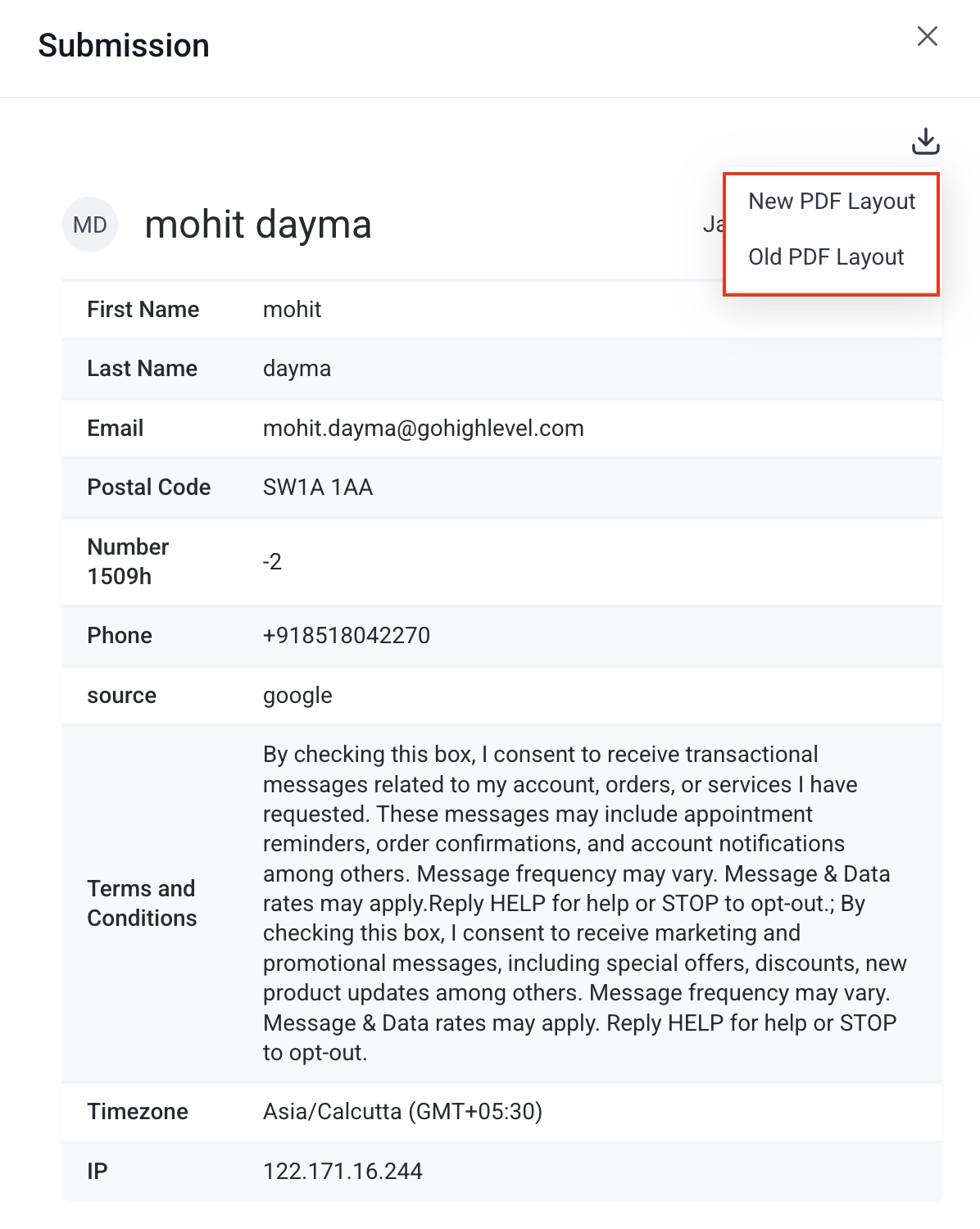
- Click the expand icon to view an individual submission. Then use the PDF download dropdown to choose:
New PDF Layout (cleaner, optimized for on-screen viewing and sharing)
Old PDF Layout (matches the previous format)
- Select form submissions to download (in CSV format) or delete entries

- Manage table view by clicking on manage columns and selecting/deselecting fields for columns

- Export all form submissions in CSV format from the 'Export' button

- Adjust column width in the table view by expanding edges

For hands-on help, email info@omnireach.co or chat with us directly!