
Mobile & Desktop App / Whitelabel Mobile App
Setting up a Google Developer Account for your Whitelabel Mobile App
Modified on: Tue, 24 Mar, 2026 at 6:19 AM
To publish Android apps on the Google Play Store, your business must have its own Google Developer account. Here's a step-by-step guide to help you get started.
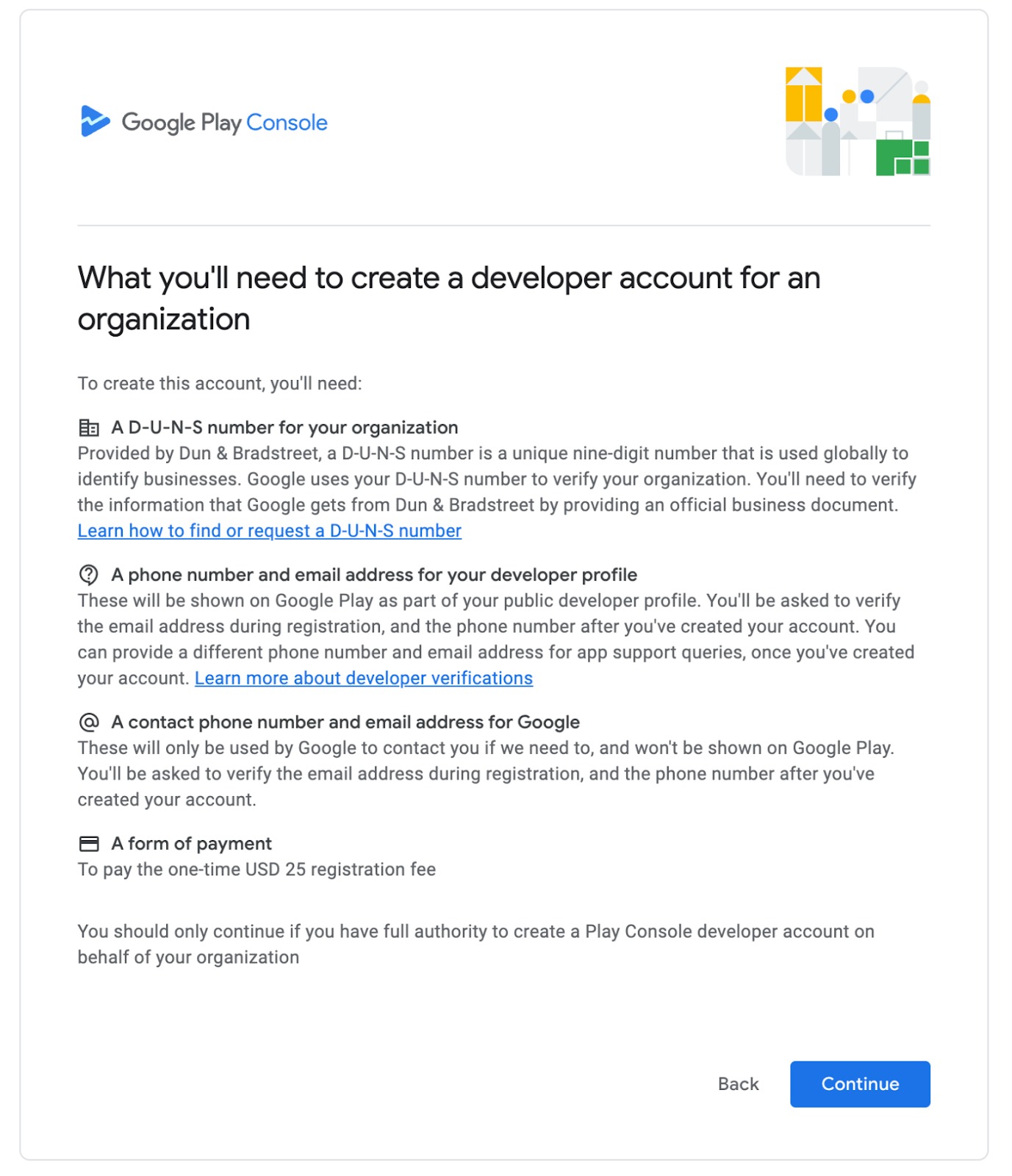
✅ What You'll Need:
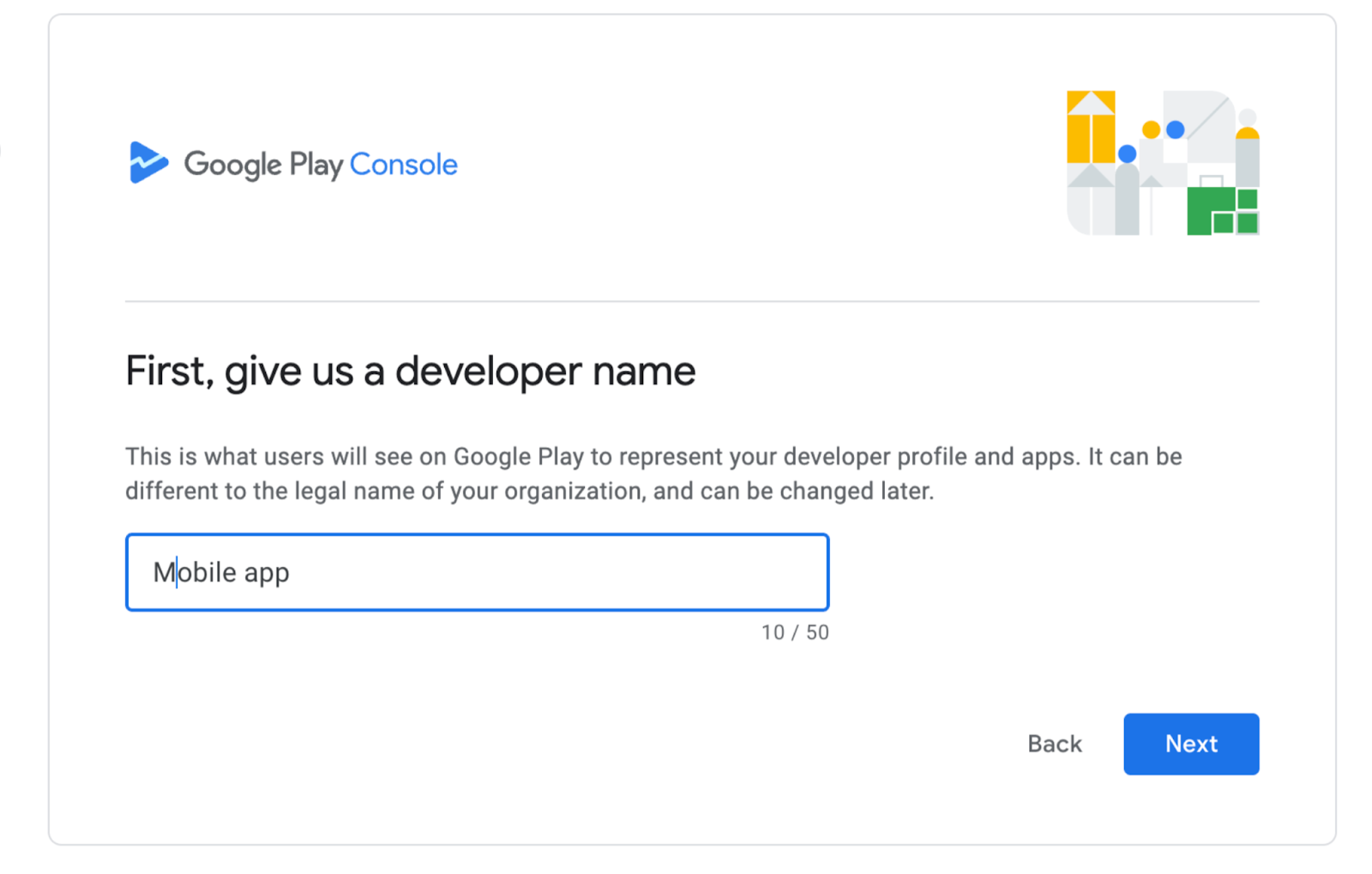
Official Business Name – Must match your legal entity
D-U-N-S® Number – Required for verification, register here
Business Details – Email, phone number, business address
Public-Facing Business Website – Clearly displaying your company details
Verified Website Ownership – Via Google Search Console
Google Account – Preferably business-based (not personal Gmail)
$25 One-Time Registration Fee – Payable via card
Government-Issued ID – For identity verification
? Step-by-Step Registration Process:
Go to the Google Play Console
Sign in using a business Google account (create one if needed).Accept Developer Agreement
Review and accept the Developer Distribution Agreement and click Continue to payment.Pay Registration Fee
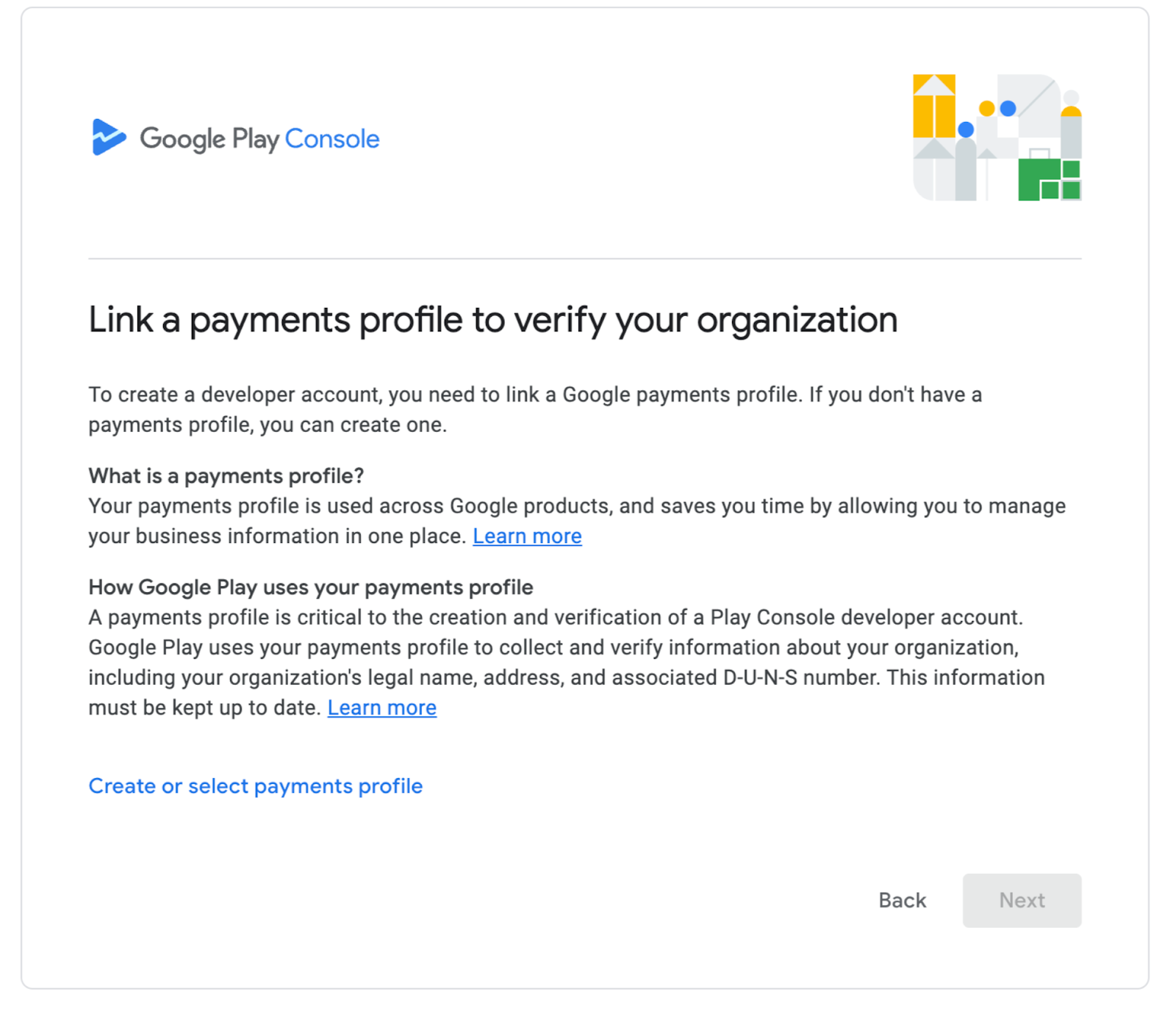
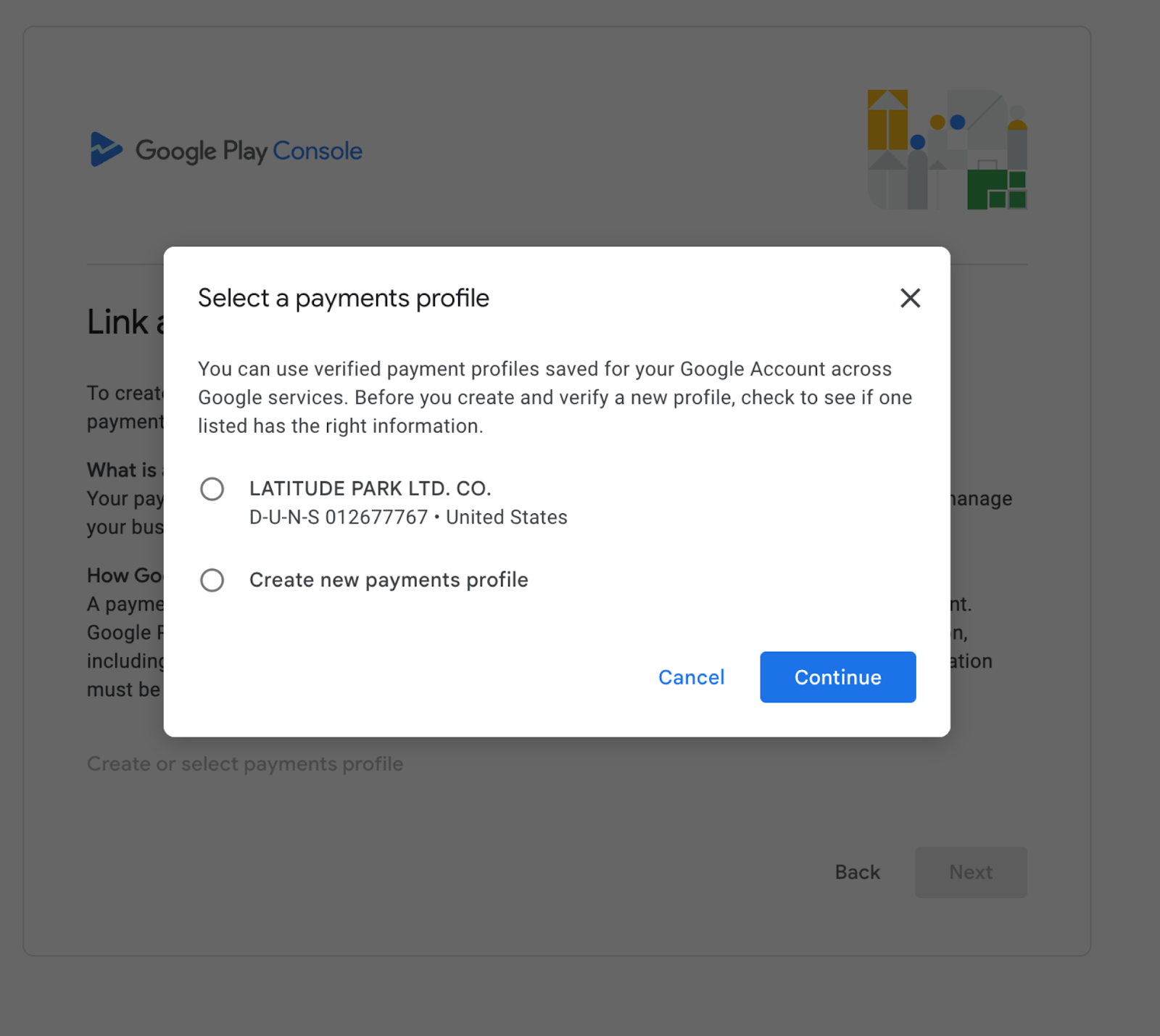
Enter your card details and pay the $25 USD one-time fee.Enter Business Details
Provide your legal business name, address, email, phone number, and website URL.Verify Website Ownership
Confirm your domain ownership through Google Search Console.Upload ID for Verification
Submit a valid government-issued ID (e.g., passport or driver’s license).Account Activation
You’ll receive confirmation via email. Activation may take 24–48 hours.
⚡ Tips:
Use a separate Google account for your developer role
Ensure your business website does not include financial terms if you're publishing a free app
Keep all details accurate and updated for smooth verification
? Useful Links:
_____________________________________________________________________________

______________________________________________________________________________
 _____________________________________________________________________________
_________________________________________________________________________________________
 __________________________________________________________________________________________
 ____________________________________________________________________________