
Account Snapshots / Snapshots
How to Easily Replicate Documents and Contracts Setup Across Different Accounts
Modified on: Wed, 31 Jul, 2024 at 9:15 PM
Documents and Contracts are now supported in Snapshots!
Now, agencies can effortlessly save time during onboarding and ensure consistent Document templates across multiple locations.
How It Works:
- Navigate to Account Snapshots in Agency View.
- Create a new snapshot and choose the source account.
- Save the snapshot.
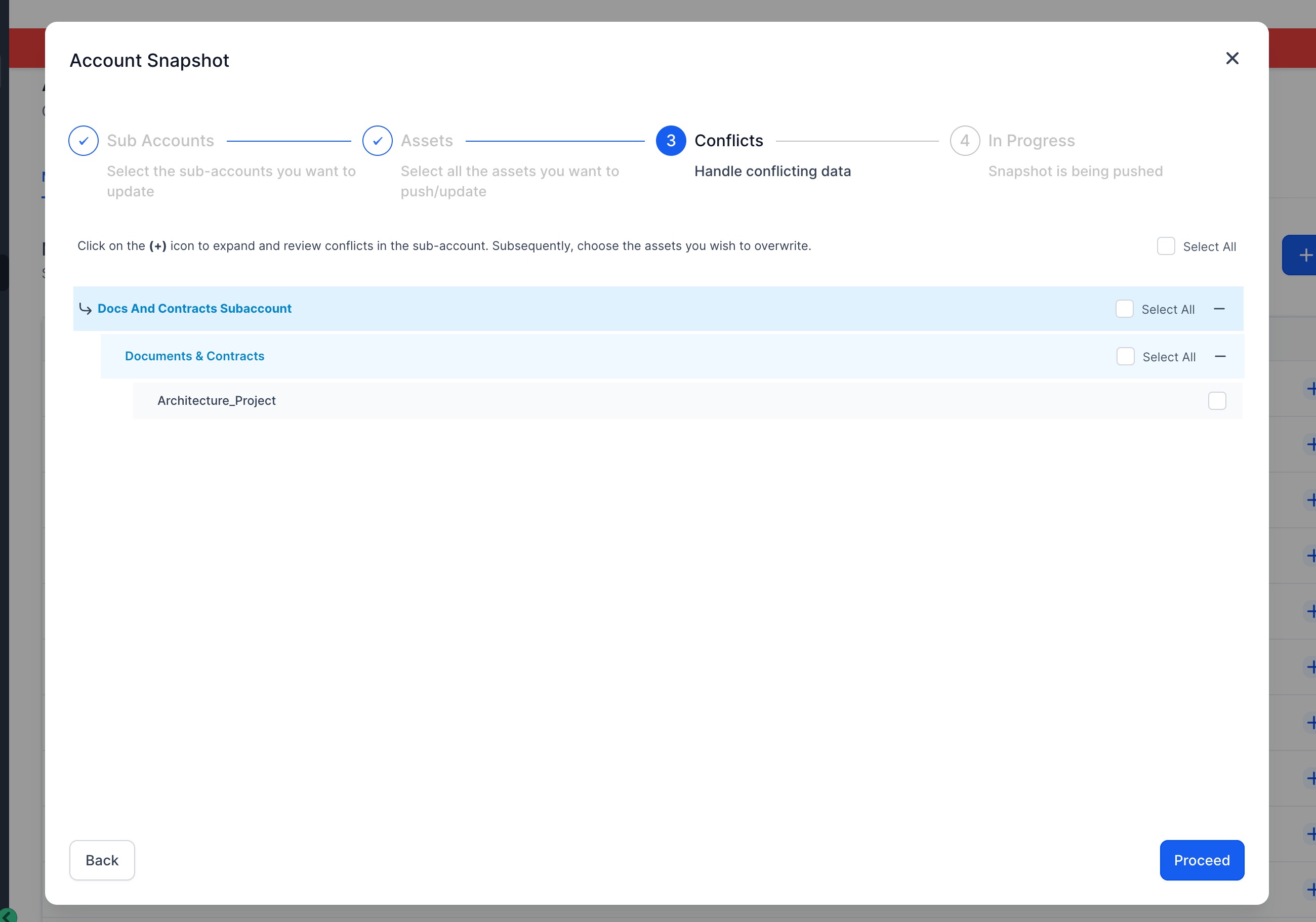
- Load the snapshot into the desired sub-account
- Select all the Document Templates you want to load into the desired location




Why it Matters:
- This feature streamlines the onboarding process for agencies, allowing them to easily replicate Document and Contracts setup across different accounts. With pre-configured document templates, agencies can ensure a consistent user experience and quickly provide basic templates to their clients.
For hands-on help, email info@omnireach.co or chat with us directly!